
How to Choose the Best VPN for Your Needs

Choosing the best VPN is less about finding the service with the longest feature list and more about finding one that matches what you actually need. Someone who mainly wants safer browsing on unfamiliar networks has different priorities from a traveler, remote worker, gamer, privacy-focused user, or household trying to protect several devices.
A virtual private network routes your internet traffic through a VPN server and protects the connection between your device and that server. This can reduce what a local network or internet provider can see about your traffic and can make websites see the VPN server’s IP address instead of your normal public IP address. However, a VPN does not make you completely anonymous, and using one effectively means placing significant trust in the VPN provider. The Federal Trade Commission has specifically advised users to investigate a VPN’s encryption, permissions, privacy practices, and third-party data sharing before choosing an app.
That makes the right question not “Which VPN has the most features?” but “Which VPN can I reasonably trust while meeting my requirements for privacy, performance, compatibility, and price?”
Start With What You Actually Need a VPN For
Before comparing providers, decide what problem the VPN needs to solve. This immediately eliminates features that sound impressive but have little value for your use case.
For general browsing and travel, prioritize reliable apps, automatic connection options, strong encryption, a kill switch, and servers near the places where you normally connect. If you frequently use hotel, airport, coworking, or other unfamiliar networks, convenience matters because security features are useful only if you actually keep them enabled.
Privacy-focused users should examine the provider itself much more closely. Logging policies, ownership, independent audits, transparency reports, data collection, account requirements, and payment practices may matter more than the number of available server locations.
Streaming users have a different set of concerns. Connection speed, server capacity, geographic availability, and compatibility with the devices connected to a television become important. Access to particular services can change, however, so claims that a VPN “works with” a specific streaming platform should be treated as time-sensitive rather than permanent.
For gaming, video calls, and other latency-sensitive activities, nearby servers and stable performance are usually more important than having thousands of servers scattered across distant countries. A VPN cannot improve the physical limitations of your internet connection and will usually introduce some processing and routing overhead.
Remote workers should also distinguish between a commercial privacy VPN and an employer’s corporate VPN. Business VPNs are often designed to provide controlled access to organizational networks rather than to provide consumer privacy. NIST describes IPsec VPNs as a way to secure communications across IP networks and notes that different VPN technologies suit different circumstances.
Check the Privacy Policy Before the Marketing Page
The most important part of a VPN may be the part you cannot see in the app.
A VPN provider can potentially observe information associated with connections passing through its infrastructure. That means “no logs” should not be accepted as a complete privacy explanation by itself. Look for a policy that clearly states what is collected, why it is collected, how long it is retained, and whether information is shared with processors, advertisers, analytics companies, or other third parties.
Pay attention to distinctions between traffic logs and operational data. A provider might say it does not record browsing activity while still collecting connection times, device information, account identifiers, diagnostic data, approximate locations, or bandwidth statistics. Some of this information may be necessary to operate a service, but the policy should explain it clearly.
Independent security or privacy audits can provide useful additional evidence, particularly when the full report or a meaningful summary is publicly available. An audit is not a permanent guarantee. Check its date, scope, auditor, and what systems were actually examined.
Ownership also deserves attention. Find out which company operates the service, where that company is based, and whether the VPN is part of a larger corporate group. Jurisdiction alone does not determine whether a provider is trustworthy, but understanding the legal entity responsible for your data gives you useful context.
The FTC’s VPN guidance makes the larger point clear: using a VPN can shift trust away from your local network or internet provider and toward the VPN company. A VPN therefore should not be chosen solely because its website promises “complete anonymity.”
Compare VPN Protocols and Security Features
A good VPN should use established, modern protocols rather than proprietary terminology that makes its security difficult to evaluate.
WireGuard is now a widely deployed VPN protocol designed around a comparatively compact architecture and modern cryptographic primitives. Its official documentation lists ChaCha20 for encryption, Poly1305 for authentication, Curve25519 for key exchange, and other established components. It operates over UDP and is designed to provide encrypted and authenticated tunneling across platforms.
OpenVPN remains another established option. Its protocol can operate over TCP or UDP and uses TLS-based mechanisms for establishing secure sessions. IKEv2/IPsec is also common, particularly on mobile and enterprise systems. NIST describes IPsec as an open-standard framework for protecting communications over IP networks, commonly configured using Internet Key Exchange.
Protocol names alone do not determine whether an entire VPN service is secure. Implementation, server configuration, app design, updates, authentication, and operational practices all matter.
Several additional features are worth checking:
- Kill switch: Blocks or limits internet traffic if the VPN connection unexpectedly drops, helping prevent traffic from falling back to the normal connection.
- DNS leak protection: Helps keep DNS requests inside the intended VPN path rather than exposing them to another resolver unintentionally.
- IPv6 handling: The service should either route IPv6 securely or manage it in a way that prevents unintended exposure.
- Automatic connection: Useful on mobile devices and unfamiliar networks because it reduces reliance on remembering to activate the VPN manually.
- Split tunneling: Allows selected apps or websites to bypass the VPN while other traffic remains protected.
- Multi-factor authentication: Valuable for protecting the VPN account itself where supported.
Some operating systems also provide VPN controls of their own. Android, for example, supports an always-on VPN mode and can be configured to block connections that do not use the designated VPN.
Speed Matters, but Advertised Numbers Matter Less
Every VPN changes the path your data takes, so some performance overhead is normal. The amount can vary considerably depending on the protocol, server distance, network congestion, device performance, ISP connection, and VPN infrastructure.
This makes provider-supplied speed claims difficult to compare directly. A benchmark measured from a gigabit connection in one country may tell you little about how the same VPN performs on your home broadband or mobile connection.
Instead of focusing on a claimed maximum speed, look for evidence of consistent performance across locations that resemble your own use. Independent reviews can be useful when they explain the test connection, locations, protocol, devices, and methodology.
Server proximity also matters. Connecting to a nearby VPN server will generally produce lower latency than sending traffic to the other side of the world. If you mainly want everyday privacy rather than a specific geographic location, the nearest reliable server is often the practical starting point.
Server count deserves similar skepticism. “Thousands of servers” sounds impressive, but raw numbers do not reveal capacity, load management, hardware quality, geographic distribution, or actual performance. A smaller well-managed network may serve a particular user better than a much larger one.
Make Sure the VPN Fits Your Devices and Routine
A technically strong VPN becomes frustrating if it does not work smoothly with the devices you use every day.
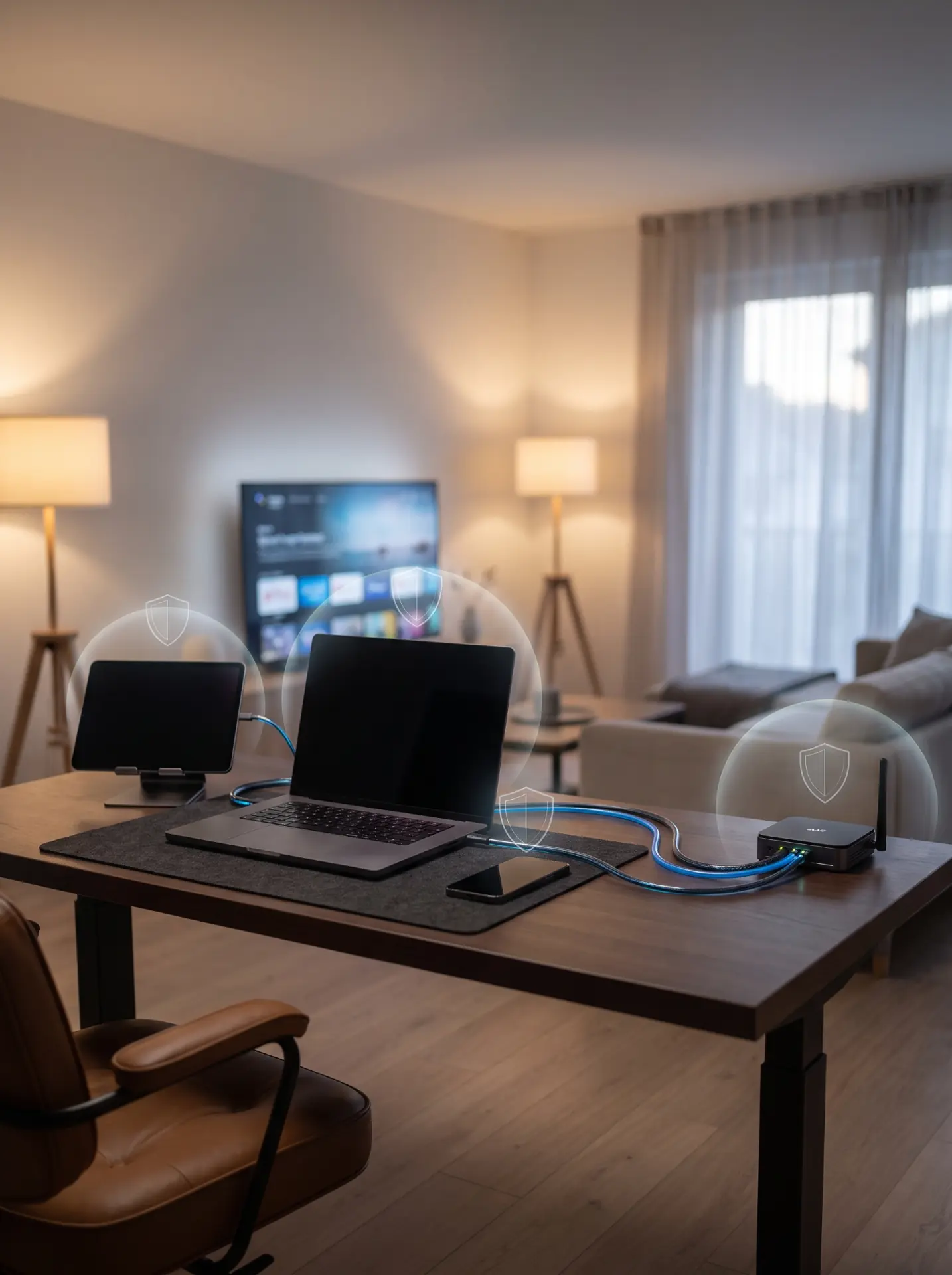
Check support for your actual operating systems rather than assuming that “multi-platform” means every platform receives the same features. Windows, macOS, Android, iOS, Linux, routers, browsers, smart televisions, and streaming devices can have very different app capabilities.
Also check how many devices can connect simultaneously. A single person may need coverage for a phone, laptop, tablet, and television, while a household may need considerably more. Router support can protect multiple connected devices through one VPN configuration, but router setups can be harder to manage and may not offer the same convenience as individual apps.
Ease of use deserves more weight than it often gets. Useful details include fast server selection, clear connection status, automatic startup, understandable privacy controls, and easy access to the kill switch and protocol settings.
Customer support matters most when something stops working. Before subscribing, check whether documentation covers installation, billing, cancellations, router configuration, common connection problems, and supported protocols. A polished homepage is less useful than accurate technical documentation when you need to troubleshoot a connection.
Free VPNs, Paid VPNs, and Pricing Trade-Offs
A free VPN is not automatically unsafe, and a paid VPN is not automatically trustworthy. The business model still deserves scrutiny.
Operating VPN servers, networks, apps, development teams, and support systems costs money. If a service is free, determine how those costs are covered. Some reputable companies offer restricted free tiers supported by paid subscribers. Others may rely on advertising, analytics, or other forms of data collection.
The FTC has warned that some VPN apps may share information with third parties and recommends reviewing a provider’s terms and privacy policy rather than assuming that a free privacy tool protects all user data.
For paid services, compare the renewal cost rather than only the introductory offer. Long subscriptions often produce a lower monthly equivalent, but they also commit you to a provider whose service, ownership, performance, or policies could change.
Check the cancellation process and refund terms before paying. Avoid choosing solely on the basis of an unusually large discount, countdown timer, or lifetime deal. VPN infrastructure requires continuing expenditure, so the long-term viability and transparency of the provider matter.
A Practical Checklist for Choosing the Best VPN
By the time you shortlist a few services, you should be able to compare them using a small number of meaningful criteria.
| Area | What to Look For | Warning Signs |
|—|—|—|
| Privacy | Clear data policy, defined retention, transparent ownership | Vague “zero logs” claims with little explanation |
| Security | Established protocols, kill switch, leak protection | Obsolete or unexplained proprietary technology |
| Performance | Reliable nearby servers, consistent independent testing | Unsupported “fastest VPN” claims |
| Devices | Apps for your platforms and enough simultaneous connections | Important features missing on your main device |
| Transparency | Audits, technical documentation, identifiable operator | Difficult-to-find ownership or policies |
| Pricing | Clear renewal price and cancellation terms | Pricing that becomes unclear at checkout |
| Support | Useful documentation and responsive help channels | Minimal troubleshooting information |
Do not expect one provider to lead in every category. A privacy-focused service may have fewer convenience features. A VPN designed for easy streaming may collect more diagnostic information than a minimalist privacy service. A business-oriented service may prioritize administrative controls instead of consumer features.
The best choice is the service whose compromises match your priorities.
Remember What a VPN Cannot Do
A VPN is one layer of security and privacy, not a replacement for basic online safety.
It does not prevent you from entering credentials on a phishing page, protect an already compromised device, stop websites from tracking an account you are logged into, or make information you voluntarily share disappear. The FTC notes that encrypted connections do not make fraudulent websites trustworthy; a scammer can operate a site that uses encryption too.
Keep your operating system and applications updated, use strong unique passwords, enable multi-factor authentication where available, and remain cautious about suspicious links and downloads. Those measures protect against risks a VPN was never designed to solve.
For most people, choosing the best VPN comes down to five questions: Do you trust the provider? Does it use established security technology? Does it perform well where you live? Does it support your devices and intended use? And is its pricing transparent enough that you understand what you are paying for? Answer those questions carefully and the marketing slogans become much easier to ignore.